10 Software Programs To Know In Civil Engineering
If you’re curious about, or interested in joining the field of civil engineering, make sure you familiarize yourself with these 10 essential software programs.

Summary-If you're curious about, or interested in joining the field of civil engineering, make sure you familiarize yourself with these 10 essential software programs.
1. AutoCAD Civil 3D
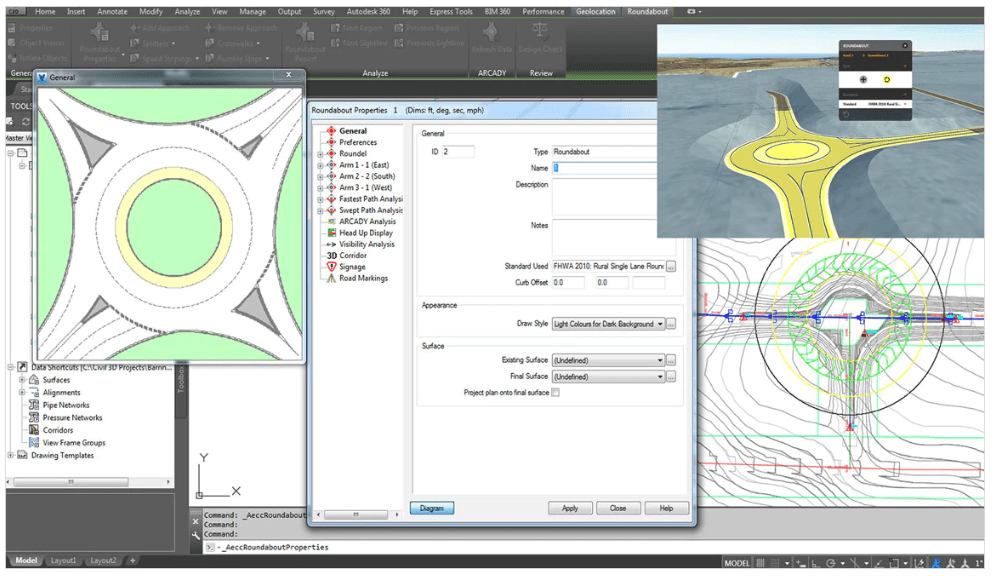 Easily the most used program in the industry, Civil 3D is a civil engineering drafting software with a multitude of design, analysis, and simulation tools for civil engineering design. If we’re talking high level, we use CAD to create sets of plans known as construction documentation. From polylines to feature lines, pipe networks to profiles, Civil 3D’s range of tools will allow you to create innovative and detailed designs. Want to try Civil 3D free for 30 days? Click here.
2. HEC-HMS
Considered a standard for hydrologic simulation, The Hydrologic Modeling System (HEC-HMS) is designed to simulate the hydrologic process of watershed systems and provides you with nearly all the drainage values you could need. In the program, you describe the physical properties of a watershed and the meteorology that act on the watershed during a defined time span of simulation. The simulation results are easy to understand. Summary tables for each element are provided including peak flow, total volume, depth and storage values in reservoirs and ponds, and more.
Developed at the Hydrologic Engineering Center of the US Army Corps of Engineers, HEC-HMS is made available to the public. You can download the program here.
3. HEC-RAS
In addition to HEC-HMS, the Hydrologic Engineering Center of the US Army Corps of Engineers has also created the River Analysis System (HEC-RAS). This program models the hydraulics of water flow through rivers and channels of many cross-sections. This program will help you determine if water can travel through specific structures (channels, streams, bridges, culverts, etc…) safely without causing adverse flooding in the area. The system is able to analyze both steady and unsteady flow, sediment transport computations, and water quality components and is often used for floodplain management with the help of its mapping tools.
Again, this program is made available to the public and you can download the program here.
4. Microsoft Project
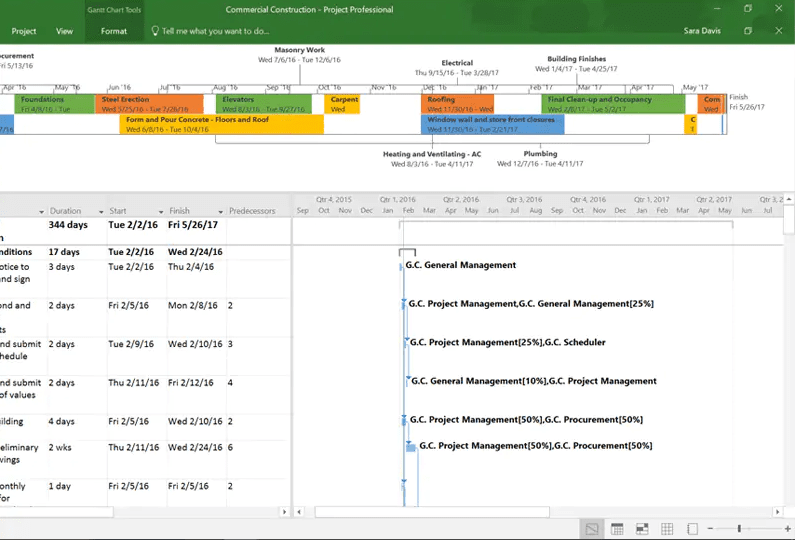 Project is Microsoft’s project management tool. It is similar to Microsoft Office, specifically Excel, with its user interface, making navigating the program easy. Scheduling is very important when it comes to managing engineering projects. With the knowledge of basic scheduling concepts such as activity relationships, critical paths, Gantt Charts, and more, Microsoft Project will enable you to create detailed schedules to manage your different projects. Want to learn more about Project Scheduling? Check out this article.
5. StormCAD
StormCAD is a modeling and analysis program for drainage systems, stormwater, and sanitary sewer design. Civil engineers use it daily to size pipes and structures for a variety of development projects. StormCAD can provide calculations for drainage area runoff, inlet capacity, gutters, pipe network flow, and more. The outputs and custom report generator are helpful in providing the necessary information to ensure your system is engineered correctly. With GIS and AutoCAD support, importing and exporting between programs makes doing the job that much easier!
Want to know more about StormCAD? Check out their overview video!
6. SSA
Comparable to StormCAD is Autodesk’s Storm and Sanitary Analysis (SSA) application. SSA can also be used to analyze and design drainage systems, stormwater, and sanitary sewers. As the maker of AutoCAD, Autodesk created SSA as an extension within CAD so that users could utilize both software with the ability to import and export back and forth as they update their design. Whether you need to design/size pipes, detention facilities, or drainage channels, SSA is a user-friendly program that can do it all.
SSA is a feature of Civil 3D. You can try Civil 3D with a free 30-day trial.
7. WaterCAD
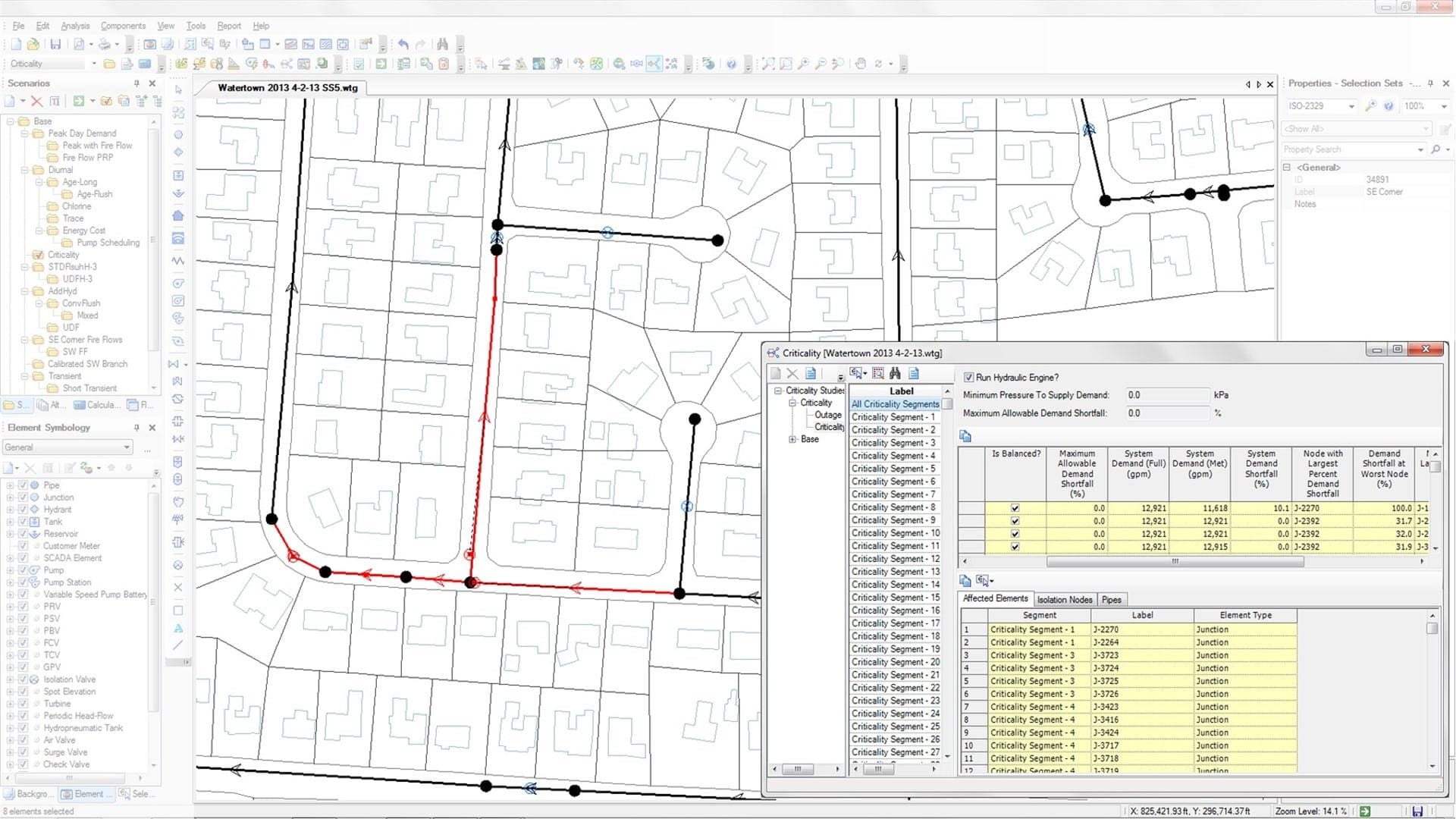 WaterCAD is another Bentley program used for utility design – specifically water distribution networks. It is a hydraulic model that helps you design improvements such as the sizing and location of pipes, pumps, and more, using details of the network such as appurtenances and fire flow data.
Want to know more about WaterCAD? Check out their overview video!
8. EPANET
A free alternative to WaterCAD is EPANET. Released by the United States Environmental Protection Agency, EPANET models water distribution systems and will output the flow of water in each pipe, the pressure at each node, and more. EPANET is free and available to the public. You can download the program here.
9. ArcGIS
Esri, the Environmental Systems Research Institute, is a supplier of geographic information system (GIS) software that released ArcGIS – a mapping platform that civil engineers can use to create a multitude of exhibits. With data resources such as images, shp files, and more, ArcGIS allows you to layer information on top of each other. You are able to take utility, property, and other information, and layer it on top of imagery, street, or topographic maps to portray exactly what you need in a neat and orderly exhibit.
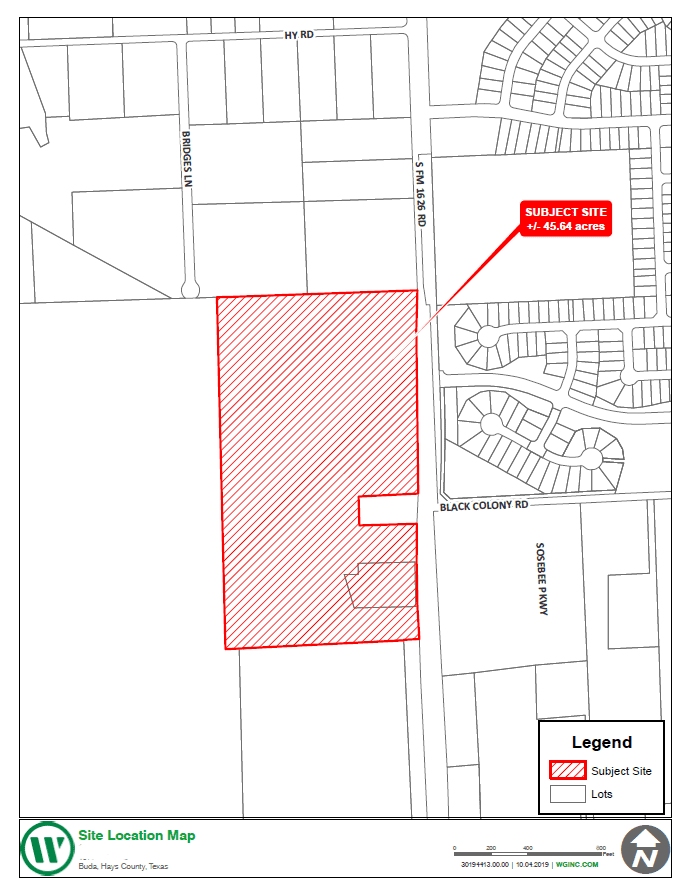
Depending on the information files you are using, ArcGIS has the ability to pull data from them such as elevations, street names, materials, and more, and display it in many useful ways. The capabilities explained above are only a few of the many this program has! Learn more about ArcGIS here.
10. Bluebeam
Bluebeam’s Revu, or what we just refer to as Bluebeam, is a multi-tool PDF editor that allows us to create, edit, and markup PDFs effortlessly. It may sound simple, but being able to easily combine documents, quickly redline plans or documents, and accurately measure and markup plans no matter the scale is immensely helpful in this industry. Get familiar with Bluebeam Revu with a free 30-day
👍👍👍
ReplyDelete🥰
Delete😍
ReplyDelete